
Digital display
If a screen is already on the wall, make it earn the space.
Streamline Display is for customer-facing menus, promotions, internal communication, and operational screens that the business can change without rebuilding the entire presentation.
One product, different walls
The content changes because the audience changes.
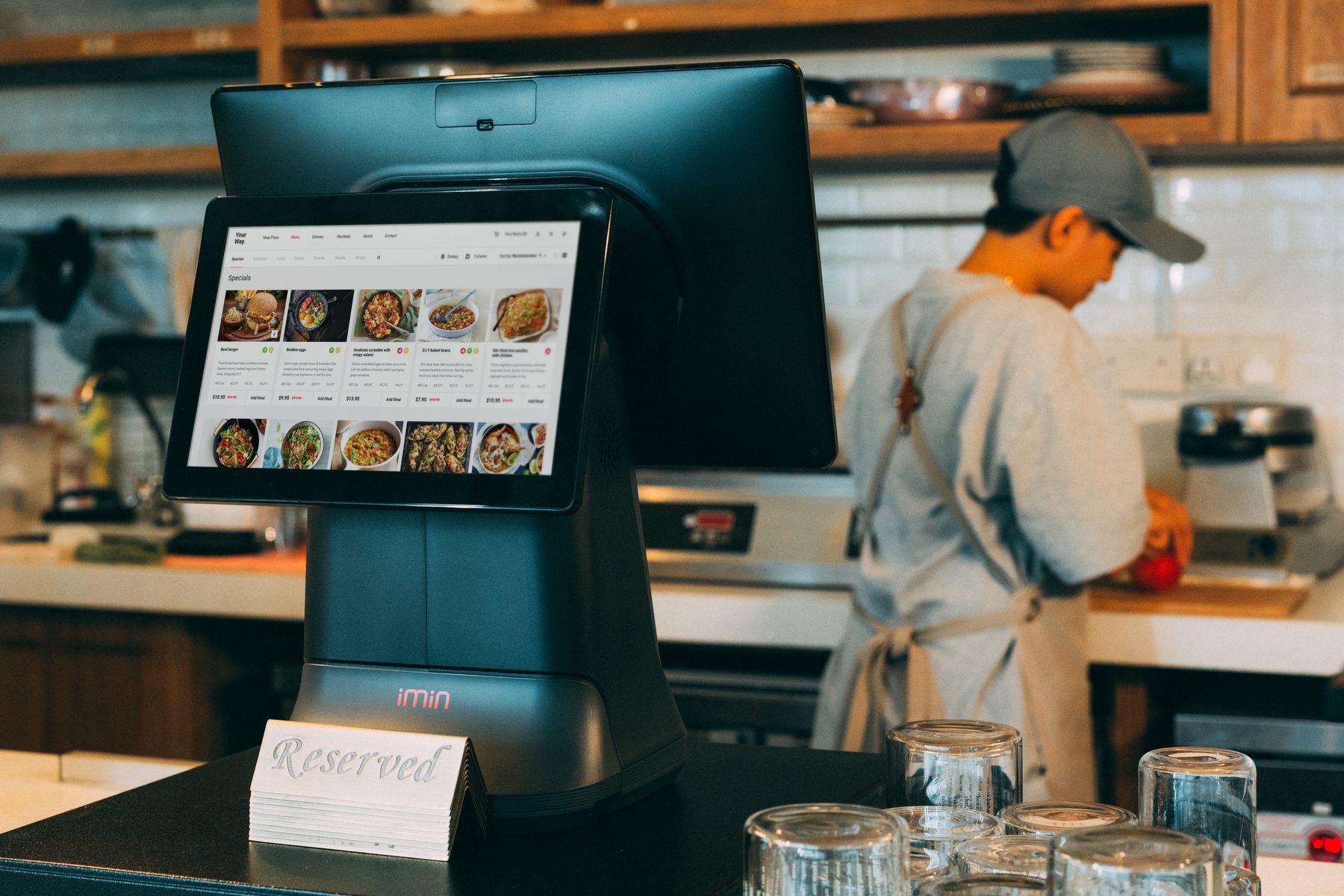
Customer-facing
Menus, pricing, promotions, directions, announcements, and branded information where customers are already looking.
Waiting areas
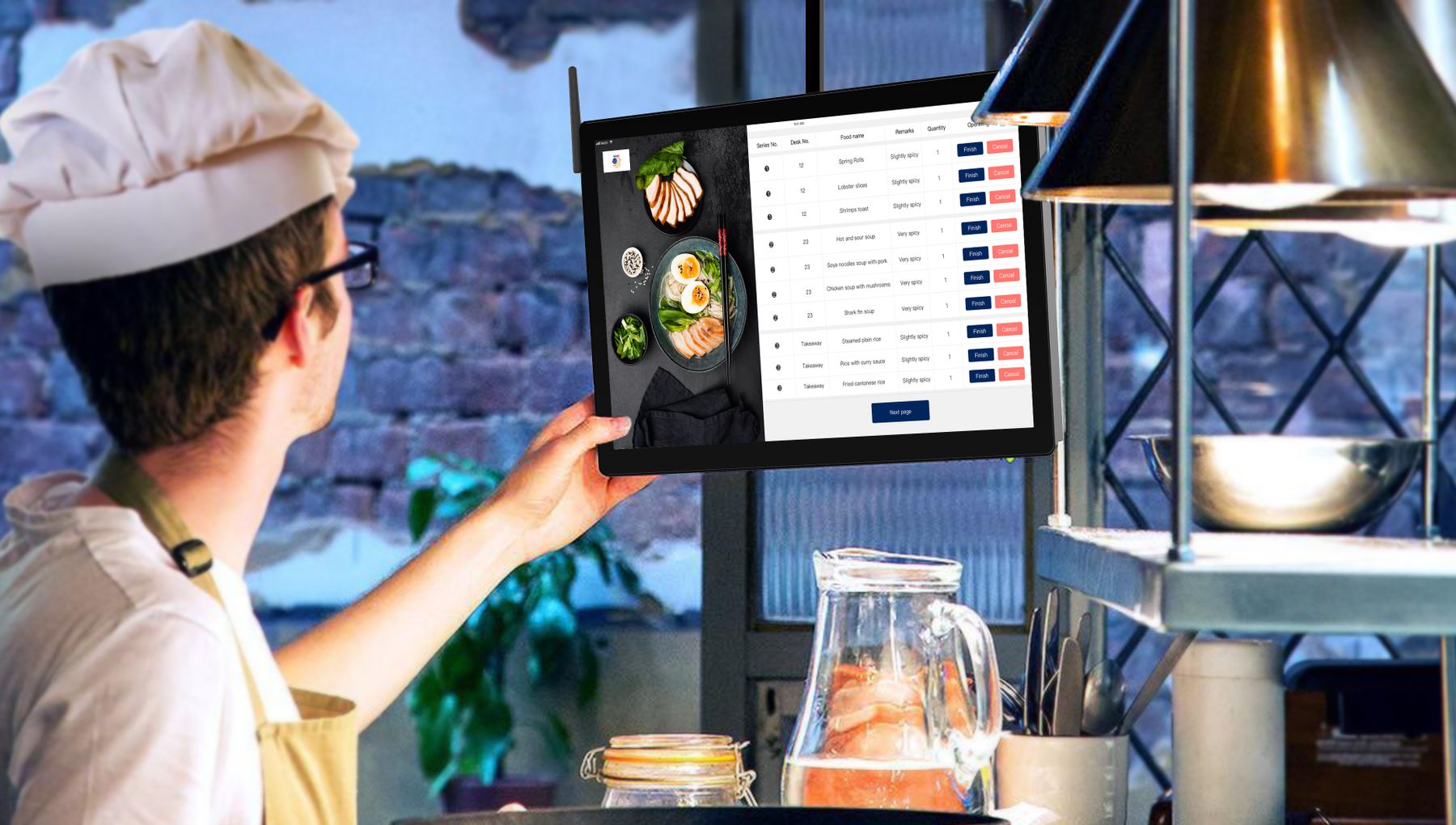
Back-of-house communication
Operational status screens
Designed to be changed
A promotion should not require a designer, a flash drive, and a ladder.
The point of digital signage is control. Streamline Display is built so the business can manage what appears on the screen without treating every small update like a production project.
Bring the screen location